Your Rough Cut Is Stuck in the Hunt, Not the Cut
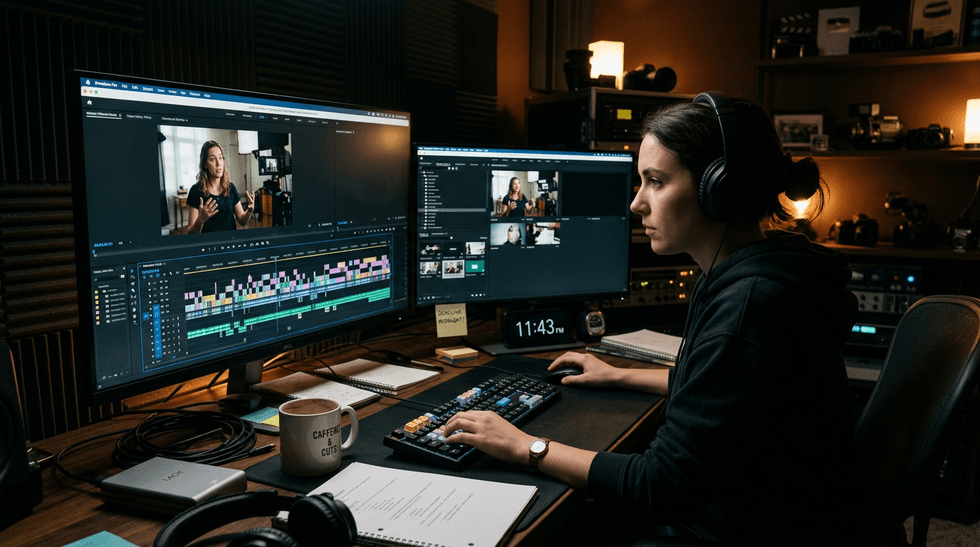
It’s late. You’ve got ninety minutes of interview, a bin of B-roll labeled C0047 through C0212, and a cut due in the morning. You remember a shot of someone laughing by a window. You have no idea which clip it’s in. The first real decision of the night is also the slowest one: what do I even have?
That’s where most rough cuts stall. Not in the cutting but in the hunting. Premiere has a handful of AI tools aimed squarely at that problem, and used together, they change how quickly a first pass comes together.
Find the Shot You Half Remember
Start with Media Intelligence. It analyzes your clips so you can search by what’s in the picture, what’s being said, or what’s in the metadata. Type a description of the shot you half remember from the shoot, and Premiere surfaces candidates. The models run locally on your computer and don’t train on your footage or your searches, which is worth knowing if you’re cutting something nobody has seen yet. Found one frame you love? Use it to search for similar visuals, a quick way to build a pile of options around a look.
Analysis runs in the background (you can watch it in the Progress panel), so turn it on before you break for dinner. If a search comes back crowded, filters help narrow it down.
Cutting From a Script? Find Every Take
…
Read the full story at No Film School
Related stories
Adobe · No Film School
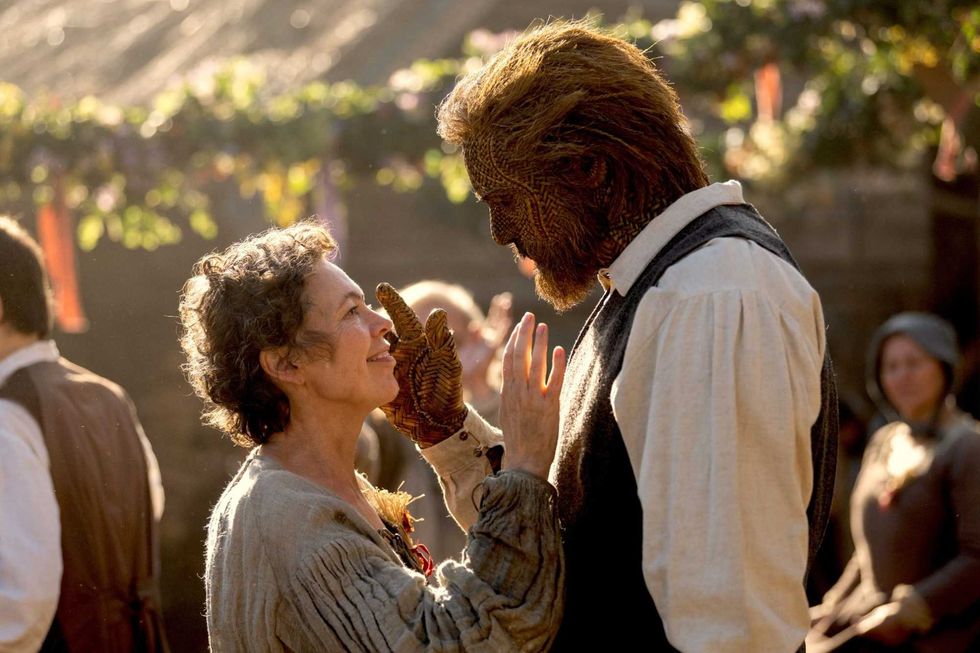
How Editor Sofi Marshall Wove Together Black Bear’s Bawdy and Heartwarming Fable 'Wicker'
Adobe · No Film School