Turn your iPad into a photo-editing powerhouse with this brilliant free app
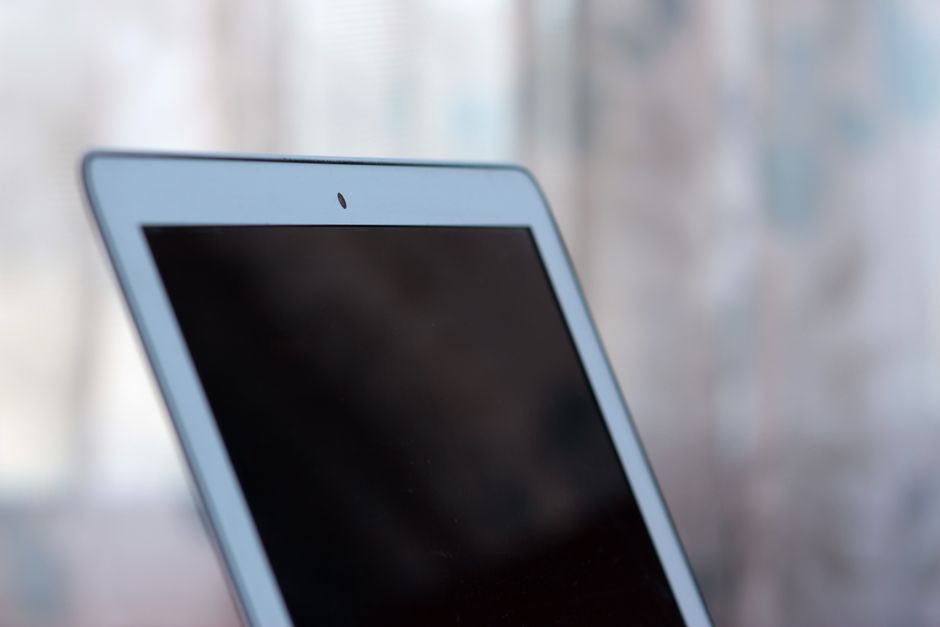
Canva has launched Affinity for iPad, which offers a range of powerful photo-editing features for free.
Specifically developed for for the iPad and Apple Pencil, the app combines photo-editing tools with sketch, vector, photo and layout editing features, offering the same level of power as Affinity on the desktop, the company claims.
The photo editing tools enable you to fine-tune raw files, make intelligent selections, retouch in real time and build full composites, either at a photo shoot or on the go.
Users can even sketch over a photo first to plan where a subject or prop should sit. Meanwhile, the Mask Tool finds the boundary as the Apple Pencil runs along a challenging edge, so hair, fur and foliage can be selected and edited quickly. Every mask, grade and retouch stays live and undoable.
Affinity for iPad also includes professional sketch, vector, and layout editing features.

Tools for creating photo books
With the Layout tool you can create multi-page documents such as ‘zines, lookbooks and photo books, with text and images flowing across pages; master pages and grids keep everything consistent.
‘The new app’s interface is designed for iPad, with tools where the hand reaches for them and the clutter stripped back so nothing stands between the creative and their work,’ said Canva.
‘Affinity supports the advanced capabilities of Apple Pencil Pro, including pressure, tilt, barrel roll, squeeze and hover, alongside natural gestures. Every adjustment, filter, and effect updates live, heavy files with thousands of editable layers stay fast and smooth. And like its desktop counterparts, Affinity for iPad is compatible with all major file types.’
…
Read the full story at Amateur Photographer
Related stories

Latest News · Amateur Photographer
We highly rate this full-frame Canon and it’s now MUCH cheaper!
Latest News · Amateur Photographer
Don’t miss these gloriously nostalgic Ferrari photos from the golden age of sports car racing
Latest News · Amateur Photographer
Mirrorless cameras have never been better – so why aren’t more people buying them in 2026?
Latest News · Amateur Photographer